Vegas Moose Mobile Casino: App or Browser?
 Available in GB
Vegas Moose does not currently have a dedicated native iOS or Android app. UK players can use the casino through a phone browser, while account support also documents mobile withdrawals, payment-method photography, photo-ID capture and selfie verification.
The mobile website supports core account tasks as well as casino browsing, so the main question is whether browser-based access suits you better than a native-app requirement.
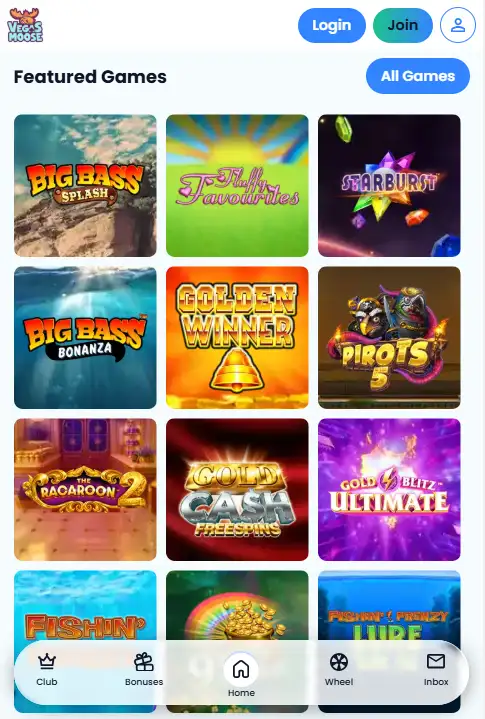
Table of Contents
- Vegas Moose uses a mobile website rather than a native app
- How to use Vegas Moose on iPhone or Android
- Browser casino vs native app
- Mobile account tasks
- Mobile deposits and account administration
- Avoid unofficial Vegas Moose APK downloads
- Mobile safety checks before you log in
- Who the browser-first model suits
- What browser-first access means in practice
- Before entering account details on a phone
- When browser-only access is a good fit
- What mobile support proves – and what it does not
- Vegas Moose mobile account help
Vegas Moose uses a mobile website rather than a native app
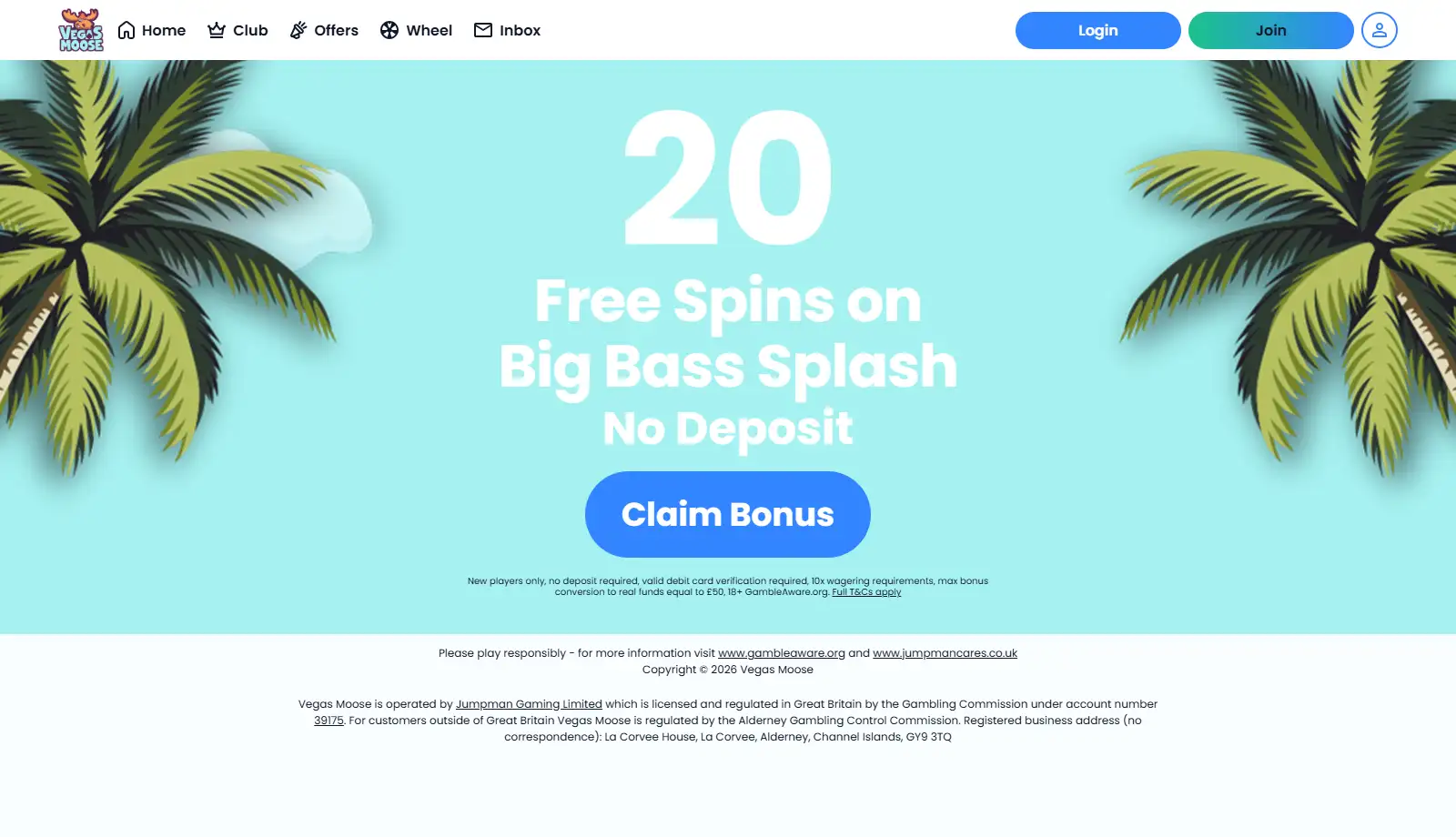
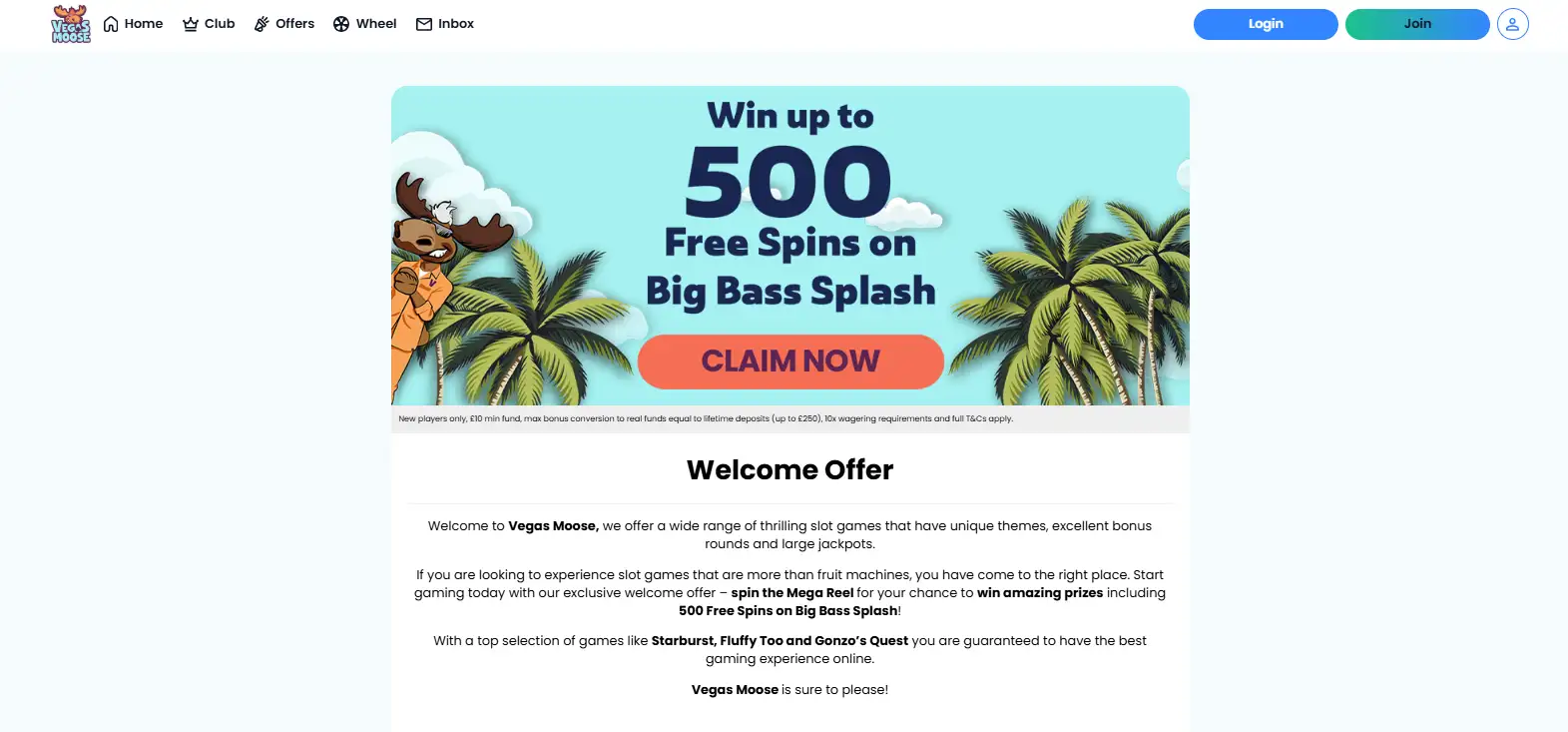
Vegas Moose is presented as a browser-based mobile casino rather than a downloadable native application. No official iOS or Android app is currently listed for the brand.
If you want to play on a phone, use vegasmoose.com in your browser rather than searching for an unofficial download.
Avoid sideloaded APK files or download links from unrelated sites. A casino app can handle login details, identity data and payments, so an unofficial package creates unnecessary risk when the browser route already supports account access.
How to use Vegas Moose on iPhone or Android
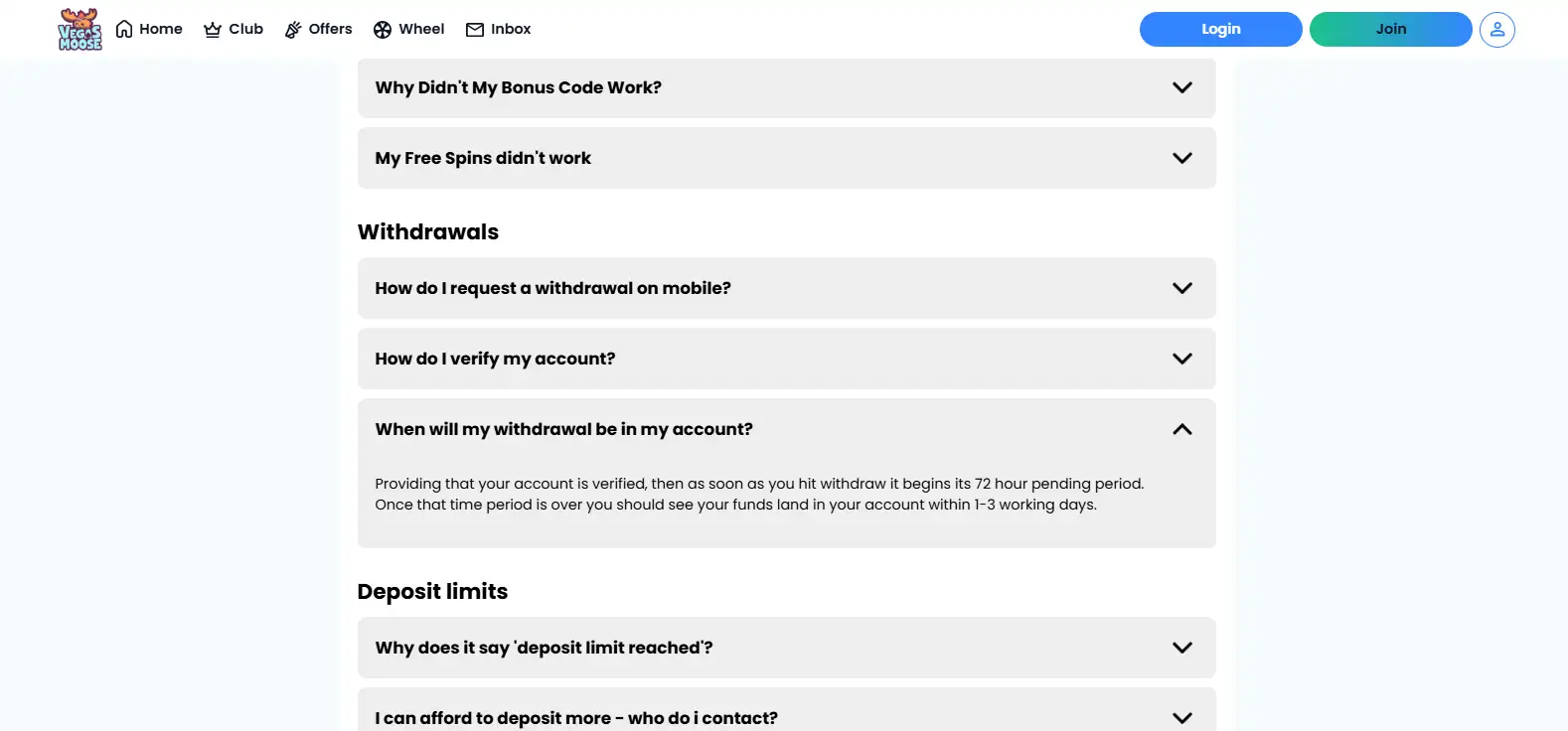
The FAQ provides phone-specific steps for reaching My Account, the cashier and the withdrawal screen.
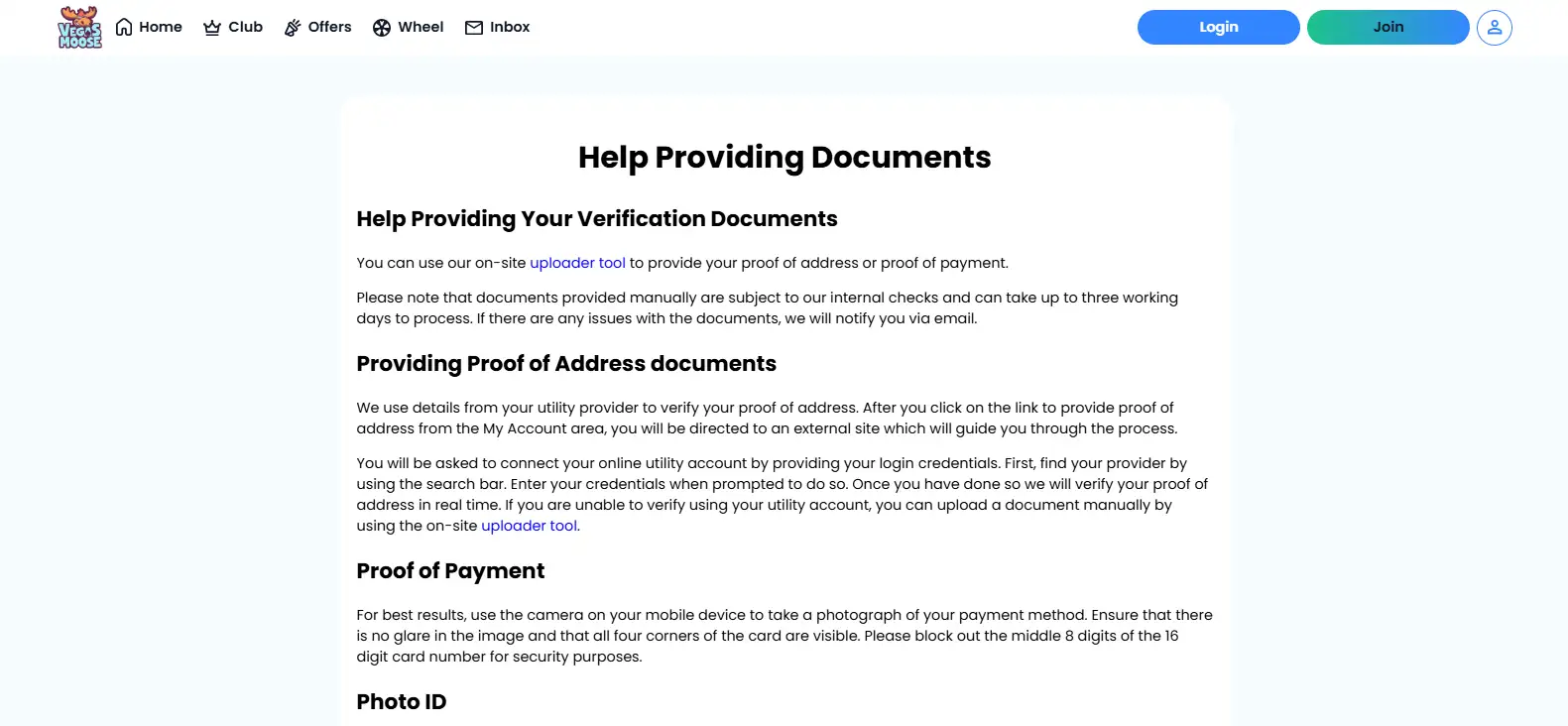
Vegas Moose Help also uses the phone camera for payment-method photos and photo-ID capture. Desktop users can be shown a QR code that moves the ID step to a mobile device.
Browser support does not guarantee identical performance, frame rate or orientation for every game on every handset, so test the games you care about before depositing.
Browser casino vs native app
The lack of a native app does not remove access to the main account journey. Vegas Moose exposes login, cashier and verification routes through the mobile website.
| Mobile task | Vegas Moose route | Account detail |
|---|---|---|
| Casino access | Mobile web browser | No dedicated native iOS or Android app is currently listed. |
| Withdrawals | My Account – Cashier – Make a withdrawal | Verification can keep a request pending until required checks are completed. |
| Photo ID | Phone camera through the secure ID flow | The process can include front/back capture and a selfie where requested. |
| Payment document | Mobile camera and the account upload route | Use only the secure links shown inside the account. |
Using the browser also avoids unofficial app downloads: start from the operator’s website and keep account actions inside that route.
Mobile account tasks
Several concrete tasks are supported by current operator documentation. The mobile withdrawal instructions show that the cashier can be reached from a phone. The Help page says proof-of-payment images can be taken with a mobile camera. Photo ID can also be captured on a phone, and the process can include a selfie to confirm that the user owns the identity document.
Phone support extends beyond game browsing: the documented account routes include cashier access, withdrawals and identity or payment-document capture.
For game choice, see games on mobile and live casino on mobile.
Mobile deposits and account administration
See mobile deposits for GBP deposits and the published withdrawal restrictions.
A phone can be used to capture requested documents, but the Account Details area determines which identity, address or payment items are required for the individual account. Not every player is asked for every document at the same stage.
For upload methods, mobile ID capture and manual-document timing, see mobile verification.
Avoid unofficial Vegas Moose APK downloads
Vegas Moose does not provide a native Android app or an official APK download. An APK hosted by a third-party portal could be outdated, altered or unrelated to the operator.
That risk is particularly relevant for a casino because a convincing fake interface could ask for login credentials, identity documents or payment information. The absence of an official native listing means there is no practical reason to take that risk when the web route already supports documented account functions.
Treat claims that a Vegas Moose app is “coming soon” or “under development” as unconfirmed unless the operator publishes an official app-store listing.
Mobile safety checks before you log in
- Use the operator’s current website rather than a third-party download page.
- Check the address bar before entering login or payment information.
- Do not install an APK simply because it uses the Vegas Moose name or artwork.
- Use the secure verification links presented inside My Account for document uploads and identity capture.
- If a browser or device behaves unexpectedly, stop before entering sensitive information and return through the known site route.
Who the browser-first model suits
The mobile site supports important account tasks, so browser-only access does not make the cashier or verification process desktop-only.
There is currently no dedicated native app. Test your preferred games before making mobile performance a deciding factor because browser behaviour can vary by device and game supplier.
Use the mobile website rather than an unofficial download. It keeps login, cashier and verification actions on the operator-controlled web service.
What browser-first access means in practice
There is no separate mobile account. The same Vegas Moose login is used through the website, and the operator documents phone-based access to My Account and the cashier. That means a player can move between desktop and mobile without creating a second profile or using an app-specific balance.
The mobile account path also covers withdrawals. Vegas Moose FAQ directs phone users through My Account, Cashier and Make a withdrawal. If a cashout is waiting for identity documents, the same phone can be used for parts of the verification process, including photo-ID capture and a selfie where requested.
Proof of payment can also use the phone camera, while desktop identity checks can hand off to a mobile device through a QR code. These features make a phone useful for account administration as well as game browsing.
Before entering account details on a phone
Use vegasmoose.com in the browser rather than an APK or unrelated download portal. Check the address bar before entering a password, payment information or identity documents, and use the secure links inside My Account for uploads and photo capture.
A native-app badge, app-store update system or app-only notification feature is not part of the current Vegas Moose setup. If those features are important to you, the browser-first model is a limitation. If you prefer opening the casino directly in Safari, Chrome or another modern browser, the documented account routes cover the main practical tasks without an installation.
Game performance can still vary by device. Test the menu, game search and the titles you care about before making mobile use the deciding factor, especially for live dealer games where streaming quality and screen size matter more.
When browser-only access is a good fit
The browser model suits players who want the same website on desktop and phone and do not need an app-store download. Core account actions are documented for mobile use, including cashier access, withdrawals and identity capture. There is no separate mobile balance or mobile-only registration process to manage.
It is a weaker fit for someone who specifically wants native-app notifications, an app-store update history or an installed casino icon supplied through Apple or Google. Vegas Moose does not currently provide that type of native product. The practical alternative is to keep a browser bookmark and use the operator-controlled website for login and account actions.
What mobile support proves – and what it does not
The documented mobile flows prove that Vegas Moose supports important account actions on a phone. A player can reach the cashier, start a withdrawal, photograph a payment method, capture photo ID and complete a selfie step where requested. The Help material also allows a desktop identity check to continue on a phone through a QR-code handoff.
Those account functions do not prove that every casino title has identical loading speed, controls or screen layout on every device. Game behaviour can depend on the handset, browser and supplier. For that reason, the useful mobile test is practical: open the browser site, check navigation, load the titles you actually intend to play and confirm that the cashier and account pages are usable before treating mobile access as a deciding factor.
Verification timing is also separate from device support. Photo-ID capture may be immediate, while manually uploaded documents can take up to three working days. Using a phone can make document capture easier, but it does not remove the operator’s review stage or guarantee instant approval.
Keep the requested document type visible in My Account, because identity, address and payment-method checks are separate evidence categories.
On a phone, the practical advantage is continuity: the casino account, cashier and verification routes sit inside the same browser-based service used on desktop. A player can move from browsing games to checking a withdrawal or completing an identity request without installing separate software. The trade-off is that there is no app-store package to manage notifications or updates, so access depends on the browser and the Vegas Moose website.
A browser bookmark can make repeat access quicker without changing how the account itself works.
Vegas Moose mobile account help
Related reading: Vegas Moose review; official operator details.
Prepared by the Vegas Moose Casino. 4 editorial staff.